
Best ChatGPT Scraper 2026: 8 Tools Tested (Web UI)

On this page
ChatGPT crossed 900 million weekly active users in February 2026, up from 800M in October 2025, per OpenAI’s announcement. The platform now serves 2.5 billion prompts per day. None of that runs through the API the developer docs describe.
What 900M people see is the web UI: source citations, shopping cards, brand entities, query fan-out, image generation, and Custom GPTs. That surface is not accessible via OpenAI’s API.
If you’re tracking whether ChatGPT cites your brand, recommends your product, or names your competitor as the better answer, you need the rendered UI. To get it, you scrape chatgpt.com. This guide ranks the best ChatGPT scraper for that job.
OpenAI runs one of the most fortified properties on the public web. Cloudflare’s 2026 bot defenses fingerprint TLS via JA4, profile browsing behavior, and block datacenter IP ranges. They also throw Turnstile CAPTCHAs at anything that looks like automation. The page itself streams via Server-Sent Events with dynamic CSS class names that change between deploys.
So picking the best ChatGPT scraper in 2026 comes down to one trade-off. Managed APIs survive OpenAI’s weekly UI changes. DIY scripts you patch every Tuesday. We tested 8 tools across that spectrum: managed AI APIs, headless browser infrastructure, anti-bot specialists, and the DIY framework nearly everyone tries first.
Scope. This roundup is about scraping the ChatGPT web UI (
chatgpt.com). For multi-engine SERP scraping across ChatGPT, Google, Perplexity, and Gemini through one API, see Best SERP APIs 2026. For Google-specific deep dives, see Best Google Scraper 2026.
The 8 ChatGPT scrapers at a glance
| Tool | Tier | Auth handling | SSE + citations | Anti-bot | Starting price |
|---|---|---|---|---|---|
| cloro | Managed AI API | Built-in session | ✅ parsed | ✅ | $30/mo (500 free monthly credits) |
| Apify | Actor marketplace | Cookie-based (manual export common) | ✅ partial | ✅ | $49/mo + per-actor compute |
| Bright Data | Proxy + scraping | Scraping Browser handles | ✅ via headful | ✅ | Pay-as-you-go from $1.50/1k |
| Browserbase | Browser infra | Persistent sessions | DIY parsing | ✅ stealth | $50/mo (Free tier available) |
| Browserless | Headless Chrome SaaS | DIY cookies | DIY parsing | partial | $50/mo (Starter) |
| ScrapingBee | Anti-bot scraper | DIY cookies | DIY parsing | ✅ | $49/mo (100k credits) |
| ZenRows | Anti-bot scraper | DIY cookies | DIY parsing | ✅ | $69/mo (250k credits) |
| Playwright | DIY framework | Build yourself | Build yourself | DIY stealth plugins | Free + your time |
There are two ChatGPTs. There’s the API that developers use, and the web interface that 900M people use. They are not the same. Only the web interface gives you search citations, shopping cards, brand recommendations, and Custom GPTs — the behavior that matters for AI SEO.
How we tested
We picked 30 representative queries across the use cases that drive real ChatGPT scraping work:
- Brand monitoring — “best CRM for B2B sales”, “best running shoes for flat feet”, “best ChatGPT scraper tool”. These test whether a tool captures how ChatGPT describes brands in a category
- Citation tracking — informational queries that trigger web search, like “how does an LLM work”
- Competitive intelligence — direct comparisons that surface competitor mentions, like “CRM X vs Y”
- Shopping queries — product research that triggers ChatGPT’s shopping cards, like “best 27-inch monitor under $500”
For each query, we ran the same prompt through chatgpt.com via each tool. We scored on six axes:
- Auth handling — does the tool manage session cookies and 2FA, or do you refresh them manually?
- SSE response assembly — does the tool return clean final text, or do you assemble tokens yourself?
- Citation extraction — are cited source URLs returned as structured fields, or only as raw HTML?
- Anti-bot survival — what’s the success rate against Cloudflare’s JA4 fingerprinting and Turnstile?
- Selector stability — how often does the tool break when OpenAI ships UI updates, which happens roughly weekly?
- True cost per query at 1,000 queries/day production volume
Where pricing shifted since we tested, we’ve noted it. OpenAI ships UI changes faster than vendor docs update. Always verify on a fresh evaluation before committing.
What we focused on (and what’s out of scope)
The 8 tools above passed three filters. (1) They can scrape chatgpt.com in 2026 with documented support or proven community workflows. (2) They’re available to small and mid-market teams without enterprise-only contracts. (3) They’re under active development as of 2026.
A few categories are deliberately out of scope:
- The official OpenAI API — covered in the FAQ. It’s a different surface entirely and doesn’t return the web UI experience
- LLM wrapping services — tools like LiteLLM and OpenRouter route API traffic through their infrastructure. They wrap the API; they don’t scrape the web UI
- Cloudflare-bypass-only libraries — Camoufox, SeleniumBase, Scrapling, and FlareSolverr per Scrapfly’s 2026 Cloudflare bypass roundup. They solve the WAF challenge but leave SSE assembly, citation parsing, and selector maintenance to you
- Generic AI search APIs — Tavily, Exa, and the Perplexity API return synthesized answers, not the rendered ChatGPT UI. Different product category
Why the official API isn’t enough
Why scrape when you can pay OpenAI for the API? Four reasons.
- Citations and web search. The web UI browses the internet and cites sources. The standard API doesn’t, unless you build a RAG pipeline around it. For brand monitoring, the API is structurally incapable
- Search-vs-memory behavior. The web UI decides when to search the web. That decision is itself information. Knowing which queries trigger web search matters for AI SEO
- Shopping cards, brand entities, and Custom GPTs. Per our breakdown of ChatGPT’s product surfaces, the web UI now embeds shopping cards, structured brand entities, and Custom GPT results. None of that exists in the API response
- Reality check. You want to know what users see, not what a raw model outputs in a vacuum. With 900M weekly users and 2.5B prompts/day, the web UI defines a category’s ground truth
If you’re doing ChatGPT visibility tracking, scraping is the only way. That’s why the best ChatGPT scraper reads the rendered UI, not the API.
The five technical challenges of scraping ChatGPT
Before the per-tool sections, here are the constraints that shape every production decision.
1. Cloudflare’s 2026 bot detection stack
OpenAI uses Cloudflare aggressively. The 2026 detection stack per Scrapfly’s analysis includes:
- TLS JA4 fingerprinting — Cloudflare fingerprints the TLS handshake generated by your HTTP client. Default
requestsorurllibfingerprints fail instantly. You need a client that mimics a real browser’s TLS stack - Behavioral profiling — mouse movements, timing, scroll, and click patterns. Scripted interactions fail; human-like patterns pass
- JavaScript challenges — Cloudflare ships JS your client must execute. Static HTTP clients fail; headless browsers pass
- Turnstile CAPTCHAs — fired at anything that looks automated. Solvable, but it adds latency and cost
- Datacenter IP blocking — datacenter ranges are blocked aggressively. Per proxies.sx 2026 testing, real mobile IPs survive 50-100+ queries while datacenter IPs get blocked within the first few requests
2. Server-Sent Events streaming
ChatGPT doesn’t return the response as a single HTML payload. It streams token-by-token via Server-Sent Events (SSE). Your scraper needs to:
- Open the SSE stream and keep the connection alive
- Parse
event: messageframes as they arrive - Assemble the final response from the streamed tokens
- Detect the stream-end signal and close cleanly
Static HTTP clients miss this entirely. Headless browsers handle it transparently, at the cost of compute overhead and slower latency.
3. Dynamic CSS class names
OpenAI’s React build pipeline generates dynamic CSS class names like ._a4b3f that change between deploys. A scraper relying on class selectors breaks roughly weekly. The fixes:
- Use semantic selectors — ARIA labels, role attributes, text content — instead of CSS classes
- Use stable DOM patterns rather than specific class names
- Build fallback logic. If one selector fails, fall through to alternatives
This is the line item DIY scrapers most consistently underestimate.
4. Authentication and session persistence
ChatGPT requires login for most useful workflows: web search, Custom GPTs, and image generation. OpenAI requires 2FA on most accounts. The login flow runs behind Cloudflare with TLS fingerprinting.
Programmatic login through Cloudflare with 2FA is the single hardest part of DIY ChatGPT scraping. The realistic options are three.
Export cookies manually after a one-time login, then refresh on a schedule. Use a managed scraper that handles session persistence. Or run headful Playwright with stealth plugins and residential proxies, accepting occasional breakage.
5. Proxy economics
Databay’s 2026 pricing breakdown puts residential proxies at $3-15/GB depending on volume. Mobile proxies, which ChatGPT prefers, sit at the higher end.
A naïve scraper at 1,000 queries/day burns roughly 3-8 GB of residential bandwidth per month. Add CAPTCHA-solving credits at $1-3 per 1,000 challenges. The proxy line item alone often matches or exceeds managed-scraper subscription fees.
Tier 1: Managed AI scraper APIs
These return parsed structured JSON for ChatGPT queries out of the box. No proxy management, no headless browsers, no selector breakage when OpenAI ships UI updates. For most teams, the best ChatGPT scraper lives in this tier.
1. cloro — best for managed ChatGPT scraping with structured citations
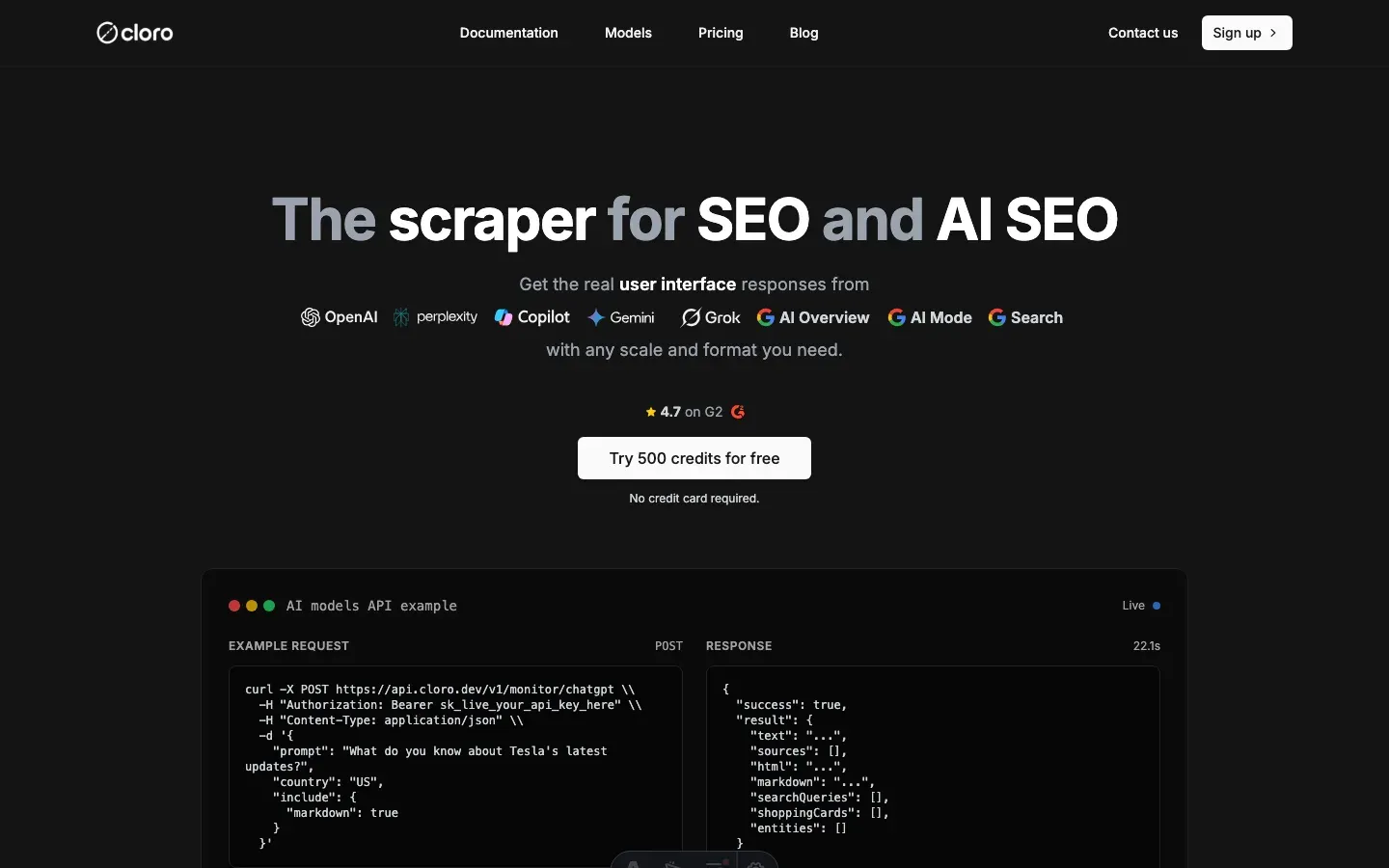
Best for: monitoring & structured data.
A ChatGPT scraper API purpose-built for AI search. Most scrapers treat ChatGPT like any other website. cloro treats it like a search engine. The response is parsed into structured fields — text, citations, sources, query fan-out, shopping cards, brand entities — instead of raw HTML.
It’s the only tool on this list architected to parse ChatGPT’s streaming SSE response and convert it into structured business intelligence. You get meaning, not just HTML. That’s what makes it the best ChatGPT scraper for brand monitoring.
Key features
- Citation parsing — extracts every link ChatGPT cites, with source URLs, labels, and positions (see the ChatGPT sources API)
- Query fan-out detection — captures the sub-questions ChatGPT decomposes a prompt into
- Shopping cards, brand entities, and web-search source attribution as structured fields
- Multi-model support — scrape across the GPT model family from one interface
- Managed auth — handles login, session cookies, and 2FA persistence
- Rich formats — returns text, markdown, and raw HTML for the same response
Pros
- No maintenance. OpenAI updates the UI weekly; cloro fixes selectors on its end
- Search-intent signal. It tells you whether ChatGPT searched the web or answered from memory
- Compliance. Built for enterprise brand monitoring with strict data-privacy controls
- Cross-surface coverage. The same API returns parsed responses for Perplexity, Gemini, Copilot, AI Overview, and AI Mode
Cons
- Built for monitoring and intelligence workflows, not free-tier chat generation
- Per-query pricing scales with monitoring volume. It’s premium for casual use
- Newer product than the longest-running scraping platforms
Pricing. Hobby plan $100/month for 250,000 credits, with 500 free monthly credits to test. Scales by volume on Growth and Enterprise tiers.
Open-source examples: github.com/cloro-dev/chatgpt-scraper — Python, cURL, and Node.js quick-start with the full response schema.
Tier 2: Scraping platforms with ChatGPT support
Established platforms that ship dedicated ChatGPT support, through purpose-built endpoints or community actors. Best fit for teams already invested in one of these platforms.
2. Apify — best actor marketplace for ChatGPT scraping
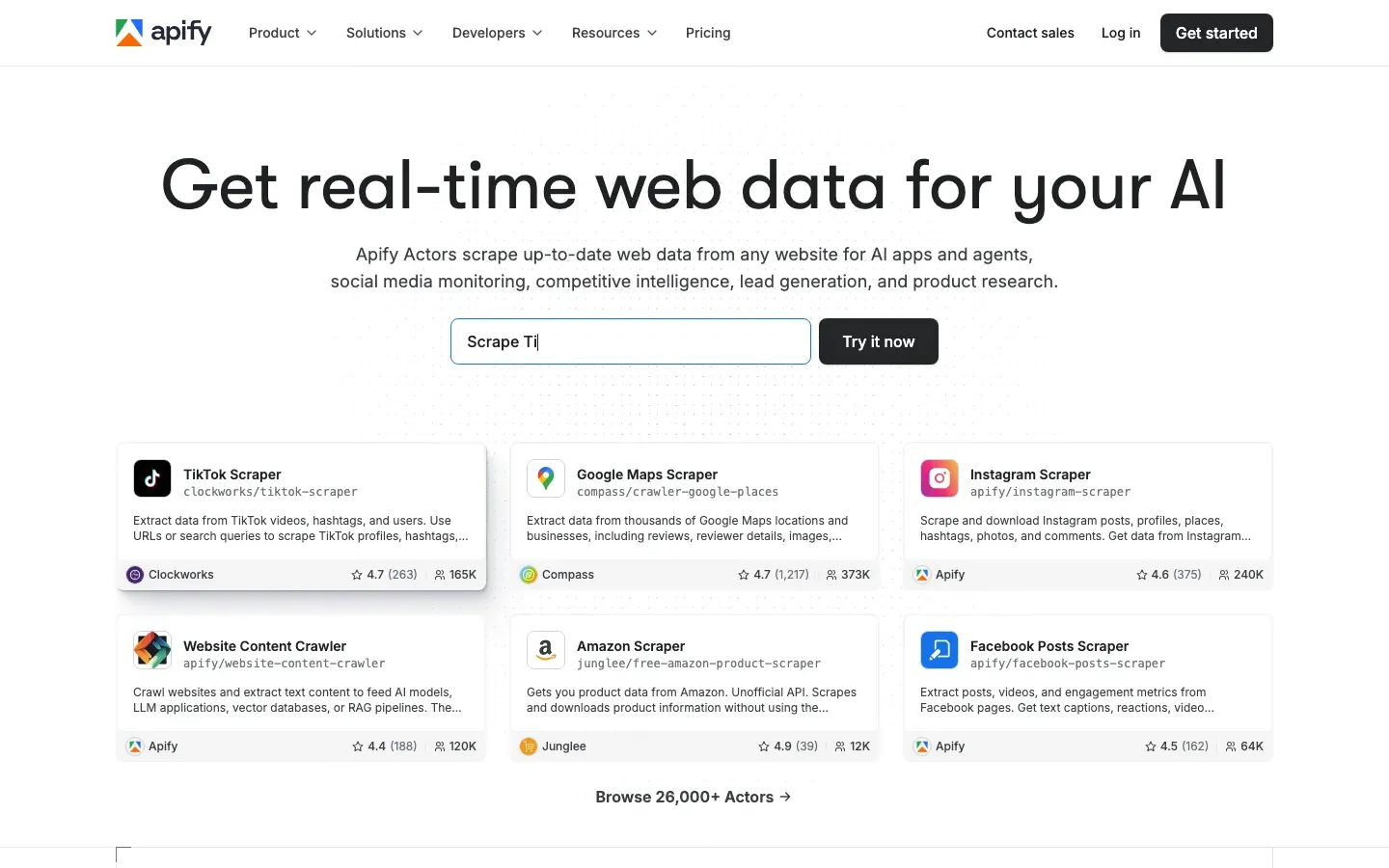
Best for: actors & serverless.
Apify is a scraping platform with a marketplace of “actors” — containerized scrapers with fixed input schemas. Several actors target ChatGPT, ranging from official Apify-maintained scrapers to community contributions.
The model is powerful when target diversity is the value proposition. The trade-off is reliability. Community actors break whenever OpenAI changes a div class, and you depend on whoever still maintains the actor.
Key features
- Marketplace of ChatGPT-specific actors with varying coverage
- Compute included in actor billing
- Cookie-based auth. Most actors require you to provide your own session cookies
- Webhook integration for batch result delivery
Pros
- Marketplace breadth. If the standard actors don’t fit, you can fork and customize
- Pay-per-run model fits sporadic use cases
- Platform handles compute, proxies, and storage end-to-end
Cons
- Reliability of community actors varies widely
- Auth issues are common. Most actors require manual cookie export, which expires
- Pricing is a function of compute time, not requests. That’s harder to forecast
- For a deeper look, see our Apify alternatives breakdown
Pricing. Free tier with $5 platform credit. Paid plans from $49/month plus per-actor compute and storage.
3. Bright Data — best for infrastructure-scale ChatGPT scraping
Best for: infrastructure.
Bright Data’s Scraping Browser is a headful Chrome instance that rotates 72M+ residential and mobile IPs and fingerprints like real traffic. The Web Unlocker product solves CAPTCHA challenges automatically. Best fit for very high volume or when proxy infrastructure is the binding constraint.
Key features
- Web Unlocker for automated CAPTCHA and Cloudflare challenge solving
- 72M+ residential and mobile IPs across essentially every country
- Puppeteer/Playwright-compatible. Write standard automation code, connect over a WebSocket
- Pre-scraped dataset offerings for some platforms
Pros
- Hard to detect. Cloudflare’s most aggressive defenses struggle to block the Scraping Browser
- Scale. Spin up 1,000+ browsers in parallel for batch processing
- Full programmatic control over browser actions
Cons
- Development required. You still write the SSE assembly and parsing logic
- Expensive per GB and per hour at small volumes
- Overkill for simple monitoring tasks
- For a deeper look, see our Bright Data alternatives breakdown
Pricing. Pay-as-you-go from ~$1.50/1,000 requests at higher volume tiers. Small-volume entry is meaningfully more expensive.
Tier 3: Browser infrastructure and anti-bot specialists
These are general-purpose tools — headless browsers and anti-bot bypass APIs — that handle ChatGPT through their core architecture. You write the parsing logic, but the access layer is solved.
4. Browserbase — best browser infrastructure for AI agents
Best for: AI agents and persistent sessions.
Browserbase is the newest entrant in headless-browser infrastructure, built explicitly for AI agents. It’s a managed cloud browser with session persistence, stealth mode, and Playwright/Puppeteer compatibility. Backed by a $40M Series B at a $300M valuation, it processed 50M browser sessions across 1,000+ customers in 2025.
For ChatGPT, Browserbase’s persistent sessions matter. You log in once, keep the session alive, and run multiple queries without re-authenticating.
Key features
- Persistent browser sessions with cookie and localStorage management across runs
- Stealth mode with built-in anti-detection for Cloudflare-protected sites
- Session recordings for debugging
- Full Playwright and Puppeteer compatibility
- Usage-based pricing that scales with browser-hours
Pros
- Purpose-built for AI agents. The developer ergonomics fit the workflow
- Session persistence handles the ChatGPT auth challenge cleanly
- Modern product with active engineering investment
Cons
- You write the parsing. SSE assembly, citation extraction, and selector maintenance are your problem
- Stealth mode helps with Cloudflare but isn’t complete at very high volume
- Usage-based pricing can surprise on the bill if sessions run long
Pricing. Free tier available. Starter plan $50/month with base browser-hours; usage scales pay-as-you-go.
5. Browserless — best self-hostable headless Chrome SaaS
Best for: headless Chrome.
Browserless (now owned by Nstbrowser) provides headless Chrome APIs. It’s useful if you want to build your own ChatGPT scraper without running Docker containers for Chrome yourself.
Key features
- Stealth mode with plugins that hide
navigator.webdriverflags - Debug live view. Watch the browser execute in real time
- PDF and screenshot capture endpoints
- Open-source Docker image for self-hosting
Pros
- Fast browser startup times
- Reasonable usage-based pricing
- Self-hostable for teams with infrastructure preferences
- Strong developer experience for building pipelines
Cons
- Default anti-bot evasion can struggle against OpenAI’s stricter checks without extra proxy config
- No pre-built ChatGPT logic. You build SSE parsing, citation extraction, and selector resilience from scratch
- Smaller ecosystem than Browserbase’s AI-agent focus
Pricing. Starter from $50/month; self-hosted Docker image free.
6. ScrapingBee — best for Cloudflare-protected scraping at scale
Best for: anti-bot bypass with a clean API.
ScrapingBee is a managed scraping API with strong anti-bot capabilities. It has documented Cloudflare bypass techniques and a clean API surface. Its team even published their own ChatGPT scraper roundup, a useful signal that ChatGPT is a target they understand.
Key features
- Headless browser rendering with JavaScript execution
- Cloudflare and anti-bot bypass as a core product feature
- Geolocation across 190+ countries
- Single API call covers proxies, headers, rendering, and evasion
Pros
- Cleaner API than DIY frameworks. Lower integration cost
- Strong Cloudflare bypass success rate
- Predictable per-credit pricing
Cons
- Not ChatGPT-specific. Output is raw HTML, so you handle SSE assembly and citation parsing
- Higher per-call cost than your own Playwright plus proxies at very high volume
- For a deeper look, see our ScrapingBee alternatives breakdown
Pricing. Starter $49/month for 100,000 credits. ChatGPT requests typically cost 5-10 credits each depending on stealth mode.
7. ZenRows — best for Cloudflare bypass at the budget tier
Best for: anti-bot bypass at the budget tier.
ZenRows is a Cloudflare-bypass-focused scraping API. Its own Cloudflare bypass guide documents nine evasion techniques, and the product implements most of them. A reasonable entry-tier option when ChatGPT volume doesn’t justify enterprise infrastructure.
Key features
- Headless browser rendering with JavaScript execution
- Cloudflare bypass as core product positioning
- Residential and mobile proxy options
- Single API call covers proxies and rendering
Pros
- Lower entry price than Browserbase or ScrapingBee
- Strong Cloudflare bypass success rate at this tier
- Single-call API design
Cons
- Not ChatGPT-specific. Same parsing and SSE-assembly burden as ScrapingBee
- Mobile proxy upgrade required for sustained volume. That adds cost
- Smaller documentation ecosystem than the category leaders
Pricing. Starter $69/month for 250,000 credits.
Tier 4: DIY frameworks
These are libraries you’d use to build a ChatGPT scraper. Best fit for teams with strong engineering capacity, low volume, or strategic reasons to keep the stack in-house.
8. Playwright — the open-source default
Best for: DIY with budget constraints and engineering capacity.
If you have $0 budget for managed services and a lot of engineering time, you build it yourself. That means Playwright plus proxies plus CAPTCHA credits plus stealth plugins.
Key features
- Microsoft-backed, reliable, modern browser automation
- Codegen. Record clicks and generate code
- Multi-language support: TypeScript, Python, C#, Java
- Strong ecosystem of stealth plugins like
playwright-extra
The DIY reality check
Writing a Playwright script that logs into ChatGPT is easy. Keeping it running is hard.
- Cloudflare — you’ll need
playwright-extraand stealth plugins, configured carefully. Misconfiguration fails fast - IP blocks — datacenter IPs get blocked within the first few requests. You need mobile residential proxies at $5-15/GB, per aimultiple’s 2026 pricing comparison
- Selectors — expect to update your code most Tuesdays after OpenAI ships a UI tweak. ARIA selectors are more resilient than CSS classes, but both break
- CAPTCHAs — Turnstile challenges require a solver service at $1-3 per 1,000 challenges
- SSE assembly — you handle the streaming parser yourself
Pros
- Free and open source
- Fully customizable. Every layer of the stack is yours to optimize
- No vendor lock-in
Cons
- Continuous maintenance. Plan for 8-15 engineer hours per month at production volume
- Per-query infrastructure cost often exceeds managed-API pricing by month two
- Compliance posture is harder to defend for enterprise customers
True cost per query at production volume
Headline pricing tells only part of the story. The table below shows true cost per 1,000 ChatGPT queries at 1,000 queries/day. It includes proxies, CAPTCHA solving, compute, and engineer time where applicable.
| Tool | Subscription | Proxies/credits | CAPTCHA | Engineer hours/mo | Total $/mo |
|---|---|---|---|---|---|
| cloro | $100-300 | included | included | 0 | $100-300 |
| Apify (with official actor) | $49 | $30-80 | included | 2 (cookie refresh) | $280-410 |
| Bright Data Scraping Browser | $0 (pay-as-you-go) | $200-500 | included | 4 (parsing) | $600-900 |
| Browserbase | $50-200 | $50-150 (proxies) | $30-90 | 6 (parsing + selectors) | $730-1,040 |
| Browserless | $50-100 | $100-300 | $30-90 | 6 (parsing + selectors) | $580-890 |
| ScrapingBee | $49-249 | included | included | 4 (parsing + selectors) | $449-849 |
| ZenRows | $69-249 | included | included | 4 (parsing + selectors) | $469-849 |
| Playwright (DIY) | $0 | $150-450 (mobile residential) | $30-90 | 8-15 | $980-2,140 |
Assumptions: engineer time at $100/hour fully loaded; CAPTCHA solver at $2/1,000 challenges firing on 5% of requests; mobile residential proxies at $10/GB; ChatGPT queries averaging 4-8 KB per request.
Headline takeaways:
- At 1,000 queries/day, a managed API like cloro is roughly 2-4× cheaper than DIY Playwright. It’s 1.5-3× cheaper than browser-infra-plus-DIY-parsing combinations like Browserbase and Browserless
- The DIY math gets worse at higher volume. Proxy bandwidth scales linearly with request count, while managed-API per-call rates stay flat or improve with volume tiers
- Apify with official actors is the closest competitive tier on raw cost, but it adds cookie-refresh maintenance the managed APIs don’t have
- Tier 3 browser-infra services sit in the awkward middle. They’re cheaper than Bright Data but more expensive than managed AI APIs once you add engineer time
For a deeper SERP-API cost breakdown across Google, Bing, ChatGPT, and Perplexity, see Cheapest SERP API 2026.
How to choose the best ChatGPT scraper: a decision tree
The 8 tools don’t compete head-to-head on every axis. Use this to pick the best ChatGPT scraper for your case:
- Need parsed responses with structured citations, no maintenance, and cross-surface coverage? cloro’s ChatGPT scraper API is the Tier 1 default for managed AI scraping
- Already invested in Apify, and ChatGPT is one of several targets? Apify, with the official ChatGPT actor where possible
- Scraping at infrastructure scale with capacity to write the parsing layer? Bright Data Scraping Browser
- Building an AI agent that needs persistent ChatGPT sessions plus other browser tasks? Browserbase
- Want headless Chrome without a fully managed AI-agent layer? Browserless
- Need general Cloudflare bypass for ChatGPT plus other protected sites? ScrapingBee at the premium tier, or ZenRows on a budget
- Zero budget, strong engineering team, willing to spend 8-15 hours/month on maintenance? Playwright with stealth plugins and mobile residential proxies
The honest framing in 2026 is simple. If your job is monitoring how ChatGPT describes your brand or competitors, the best ChatGPT scraper is a Tier 1 managed API. The maintenance burden of every other tier is a tax on attention you should spend on AI SEO strategy, not selector patches.
If you need reliable, structured data to monitor your brand and track share of voice in AI answers, cloro’s ChatGPT scraper API is built specifically for the job. 500 free monthly credits is enough to baseline your brand across the major ChatGPT query patterns, plus Perplexity, Gemini, Copilot, AI Overview, and AI Mode through the same key.
For the broader landscape, see Best AI SEO Tools 2026. For LLM visibility tracking specifically, see LLM Visibility Tracking Tools 2026.

About the author
Ricardo Batista
Founder, cloro
Ricardo is one of the founders and engineers behind its SERP and AI-search scraping infrastructure. Before cloro he scaled a financial comparison site to $7M ARR and ran the full-country operations of a unicorn to $65M ARR, then went back to building. He writes about search engine scraping, generative-engine optimization, and turning live search and AI-answer data into something teams can act on.
Frequently asked questions
Can I scrape ChatGPT in 2026?+
Yes, but ChatGPT is one of the harder targets on the public web. The challenges are real: Cloudflare's TLS JA4 fingerprinting, Server-Sent Events (SSE) streaming for the response, dynamic CSS class names that change between deploys, Turnstile CAPTCHA challenges, and session management with cookies and 2FA. Managed scraping APIs handle all of this for you. DIY scrapers can work but require continuous maintenance — selectors break weekly and proxy economics are unforgiving.
Why not just use the official ChatGPT API?+
The official API gives you raw model outputs. It does not return the live web UI experience: source citations from web search, shopping cards, brand entities, image generation results, query fan-out from a single user message, or Custom GPTs. If you are tracking how ChatGPT cites your brand or competitor research, the API is not enough. ChatGPT crossed 900 million weekly active users in February 2026 — what those users see is the web UI, not the API response.
Is scraping ChatGPT legal?+
Scraping your own session or publicly accessible content is generally permissible. Bypassing authentication, violating OpenAI's terms of service, or extracting personal data without consent can lead to account bans or legal exposure. See our dedicated piece on web scraping legality for the full breakdown. The practical rule: read OpenAI's terms, scrape your own observed UI rather than other users' sessions, and use managed services that handle the access layer in a compliant way.
What are the technical challenges of scraping ChatGPT?+
Five challenges compound: (1) Cloudflare bot detection with TLS JA4 fingerprinting and behavioral profiling; (2) Server-Sent Events (SSE) for streaming token-by-token responses, requiring you to assemble the final answer client-side; (3) dynamic CSS class names that change between OpenAI deploys, breaking traditional selectors; (4) authentication including login flow, 2FA, and session cookies that need persistence; (5) Turnstile CAPTCHA challenges on anything that looks like automation. Managed APIs handle all five; DIY requires solving each one.
How do I handle ChatGPT authentication for scraping?+
Programmatic login is the hardest part. OpenAI requires 2FA on most accounts, and the login flow runs behind Cloudflare with TLS fingerprinting. The realistic options: (1) export browser cookies manually after logging in once, then refresh on a schedule; (2) use a managed scraper that handles session persistence as part of the service; (3) run a headless browser with stealth plugins and rotate residential proxies aggressively. Option 1 works for low-volume monitoring; option 2 is what most production teams choose; option 3 needs ongoing engineering time.
What does it cost to scrape ChatGPT at production volume?+
At 1,000 queries per day, a managed scraper API typically runs $150-400/month all-in. DIY at the same volume costs $400-1,200/month — residential mobile proxies at $5-15/GB (datacenter proxies get blocked quickly), CAPTCHA solving at $1-3 per 1,000 challenges, headless browser compute, and 8-15 engineer-hours per month for selector maintenance. The DIY math gets worse at scale because the proxy line item grows linearly while the managed-API per-call rate stays flat.
Which ChatGPT scraper supports query fan-out and citation extraction?+
Among the tools we tested, cloro returns parsed query fan-out and citation lists as structured fields out of the box, including web-search source URLs and brand entities. SerpApi and Apify community actors can extract citations with some configuration. Most general scrapers (ZenRows, ScrapingBee, Browserbase) return the rendered HTML and leave the parsing to you, which works but requires selector maintenance that breaks roughly weekly as OpenAI updates the UI.
Related reading
Best Google Scraper 2026: 10 Tested Across 5 Verticals
Benchmark of 10 Google scrapers across SERP, Maps, Jobs, Images, Business Profile. Real cost per call, AI Overview depth, vs SerpApi + Bright Data.
Best Web Scraping Tools 2026: 10 Tested Options
Compare the best web scraping tools for 2026: Scrapy, Playwright, Firecrawl, Crawl4AI, no-code tools, managed APIs, and AI scrapers for teams.
Best AI SEO Tools 2026: 11 Dashboards Compared
We tested 11 AI SEO tools across citation tracking, content optimization, and full suites. Compare pricing, engine coverage, and the real trade-offs.