
Best web scraping tools for 2026
The web is the world’s largest database.
But it has no API.
To access that data, you need to scrape it. Ten years ago, that meant writing fragile regex scripts that broke every time a developer changed a class name. It was a cat-and-mouse game between your IP address and a sysadmin’s firewall.
In 2026, the picture looks different. AI web scraping, headless browsers that act like humans, and APIs that handle CAPTCHAs for you have turned data extraction into a reliable pipeline. The market for web scraping software is expected to reach nearly $2 billion by 2027.
Why the surge? Data is the fuel for AI. LLMs need fresh text, e-commerce algorithms need real-time pricing, and hedge funds need alternative data signals.
Whether you’re a developer building a price monitoring engine, a marketer tracking competitors, or a data scientist training an LLM, the tool you choose determines your success. A bad tool means constant maintenance, blocked IPs, and messy data. A good one means an automated stream of intelligence you barely have to think about.
Below is a guide to the best web scraping tools available right now.
Table of contents
- The scraping landscape in 2026
- Best open source libraries
- Best scraping APIs
- Best no-code tools
- AI scrapers vs traditional tools
- Legal and ethical considerations
- How to choose the right tool
- Monitoring the digital ecosystem
The scraping landscape in 2026
“Web scraping” now falls into three distinct buckets, and choosing the wrong one is why most projects fail.
- Open source libraries. You build the bot, host it, and handle the blocks. Lowest cost, highest effort.
- Scraping APIs. You send a URL, they send back HTML or JSON. They handle proxies and CAPTCHAs. Medium cost, low effort.
- No-code platforms. You point and click; the cloud does the rest. Highest cost, lowest effort.
The trend worth noting is the shift toward LLM-ready extraction. Tools like Firecrawl are replacing generic HTML parsers because they convert messy websites into clean Markdown for RAG (Retrieval Augmented Generation) pipelines.
Best open source libraries
If you’re a developer, start here. These give you full control.
1. Playwright
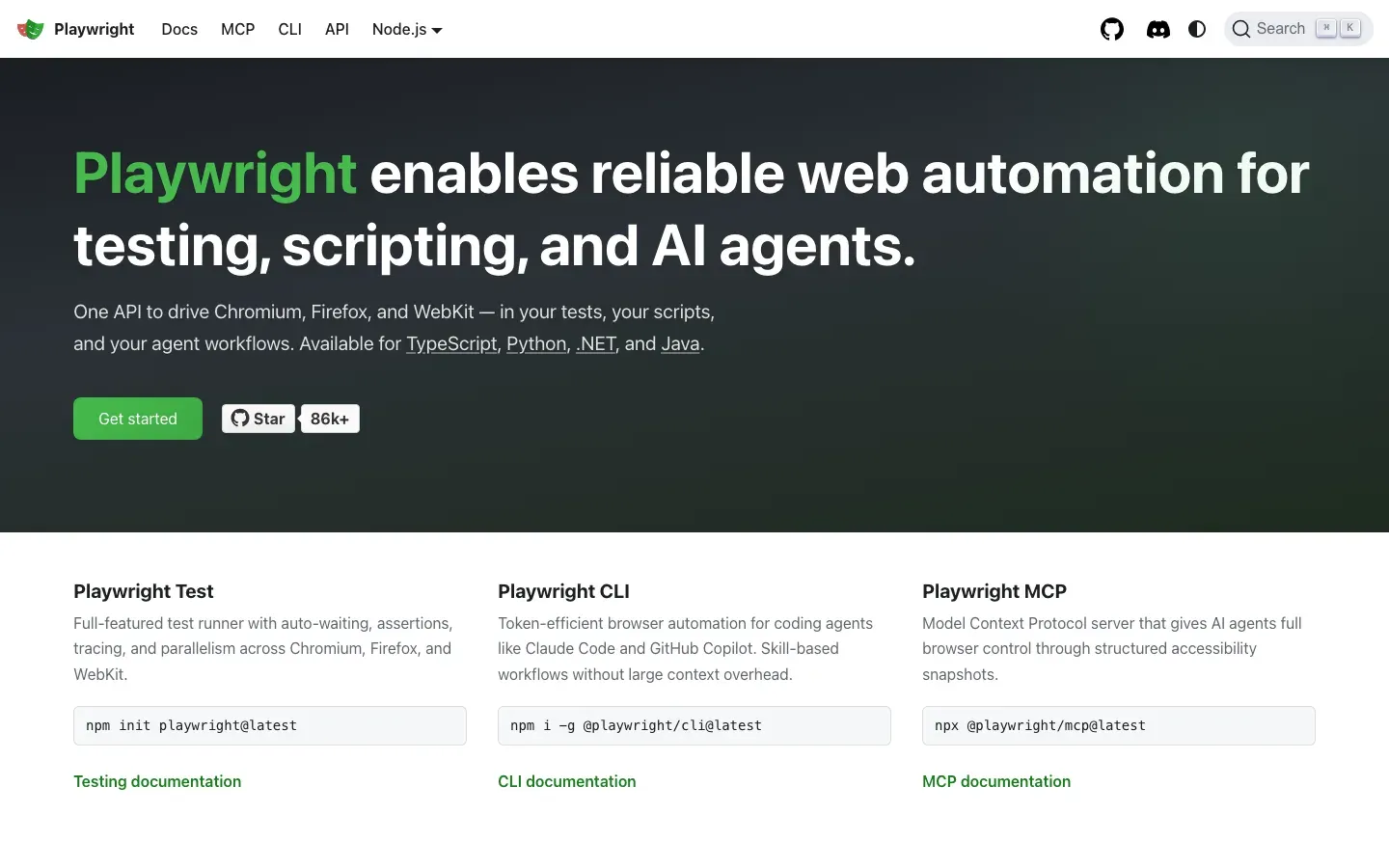
Built by Microsoft, Playwright has largely replaced Puppeteer and Selenium for modern scraping. It drives Chromium, WebKit, and Firefox with a single API.
- Why it wins. Faster and more reliable than the alternatives, and it handles modern web features like Shadow DOM and frames without much fuss. Supports Python, Node.js, and Go.
- Best for. Scraping dynamic websites (React, Vue, Angular) that require JavaScript rendering.
- Pros:
- Cross-browser support out of the box.
- Auto-wait functionality reduces flaky tests.
- Headless mode is fast.
- Cons:
- Heavier resource usage than HTTP libraries.
- You have to manage browser binary updates.
2. Beautiful Soup
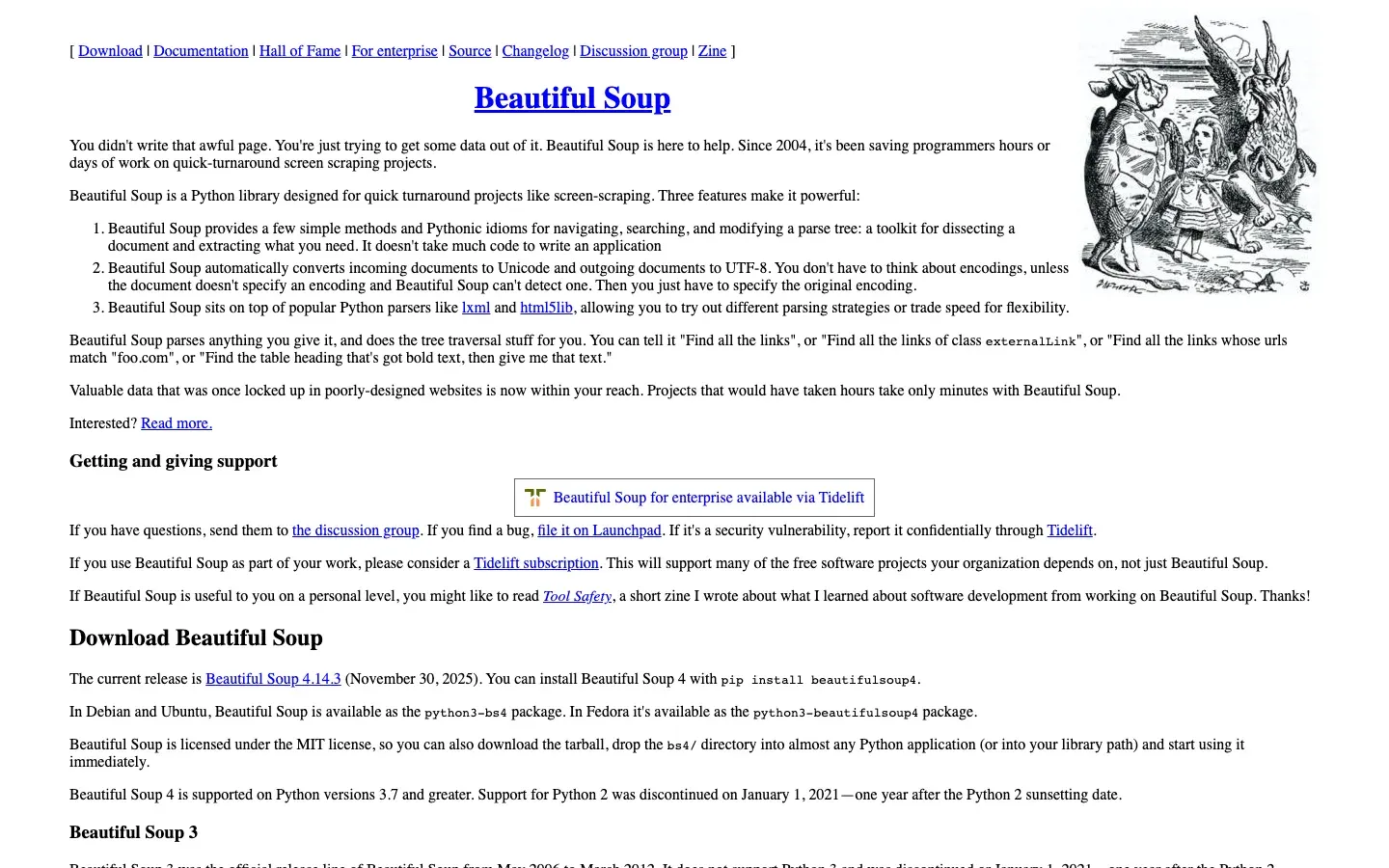
The Python classic. It doesn’t fetch pages (you need requests or httpx for that), but it parses HTML better than anything else. It builds a parse tree from page source you can navigate hierarchically.
- Why it wins. It’s forgiving of messy, broken HTML, and the syntax is readable and pythonic.
- Best for. Static sites and simple data extraction.
- Pros:
- Easy to learn.
- Lightweight and fast for parsing.
- Huge community and documentation.
- Cons:
- Cannot handle JavaScript execution.
- Slower than lxml on massive datasets.
3. Scrapy
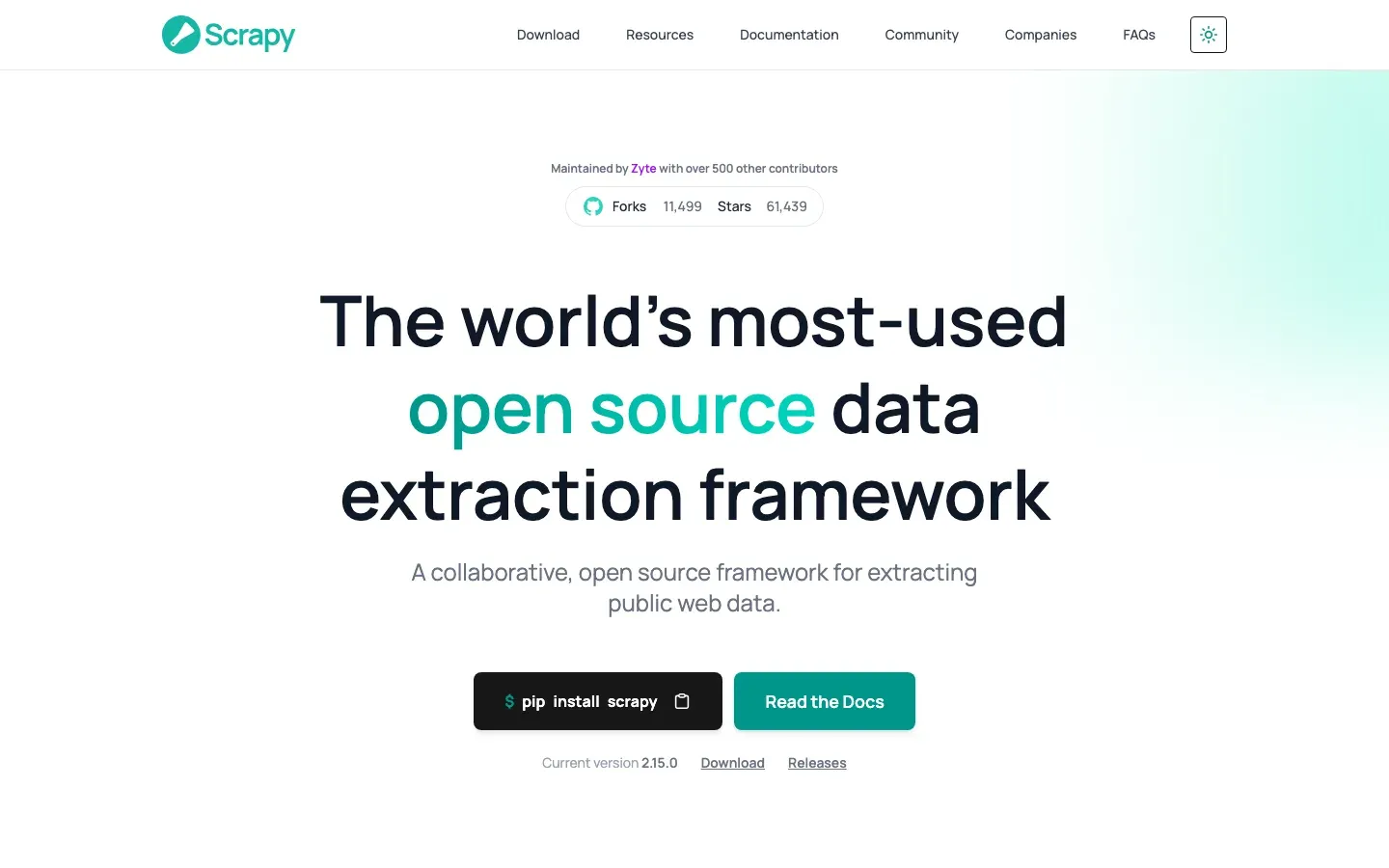
The heavyweight framework. Scrapy is a full ecosystem for building spiders, handling queues, and exporting data, with built-in support for selecting and extracting from HTML/XML.
- Why it wins. Speed. It’s asynchronous to the core and can crawl thousands of pages per minute.
- Best for. Large-scale crawling projects, like archiving an entire news site.
- Pros:
- Built-in throttling and concurrency management.
- Extensive middleware ecosystem (proxies, user agents).
- Exports directly to JSON, CSV, or XML.
- Cons:
- Steep learning curve compared to Beautiful Soup.
- Overkill for small, one-off scripts.
4. Crawlee
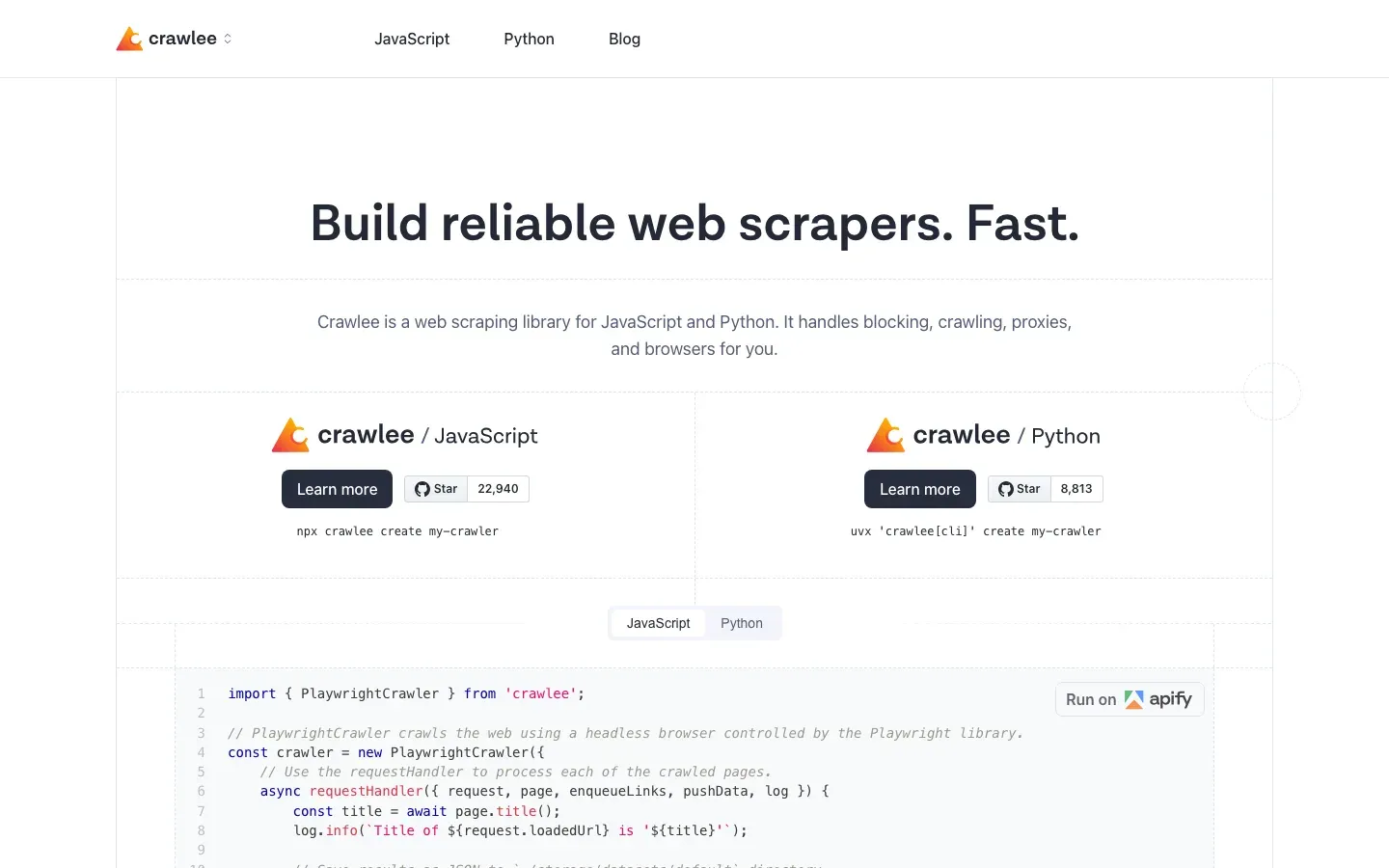
A modern web scraping and browser automation library for Node.js. It wraps Playwright and Puppeteer with anti-blocking features.
- Why it wins. It automatically manages proxies, fingerprints, and session storage to avoid detection.
- Best for. JavaScript developers who want batteries-included automation.
- Pros:
- Unified interface for HTTP and browser crawling.
- Auto-scaling based on available system resources.
- Built-in storage for request queues and datasets.
- Cons:
- Node.js only (sorry, Python devs).
- Newer ecosystem than Scrapy.
Best scraping APIs
When you get tired of your IP being banned, you upgrade to an API. These services handle the infrastructure (proxies, unblocking, browser rotation) so you just get the data.
1. ZenRows
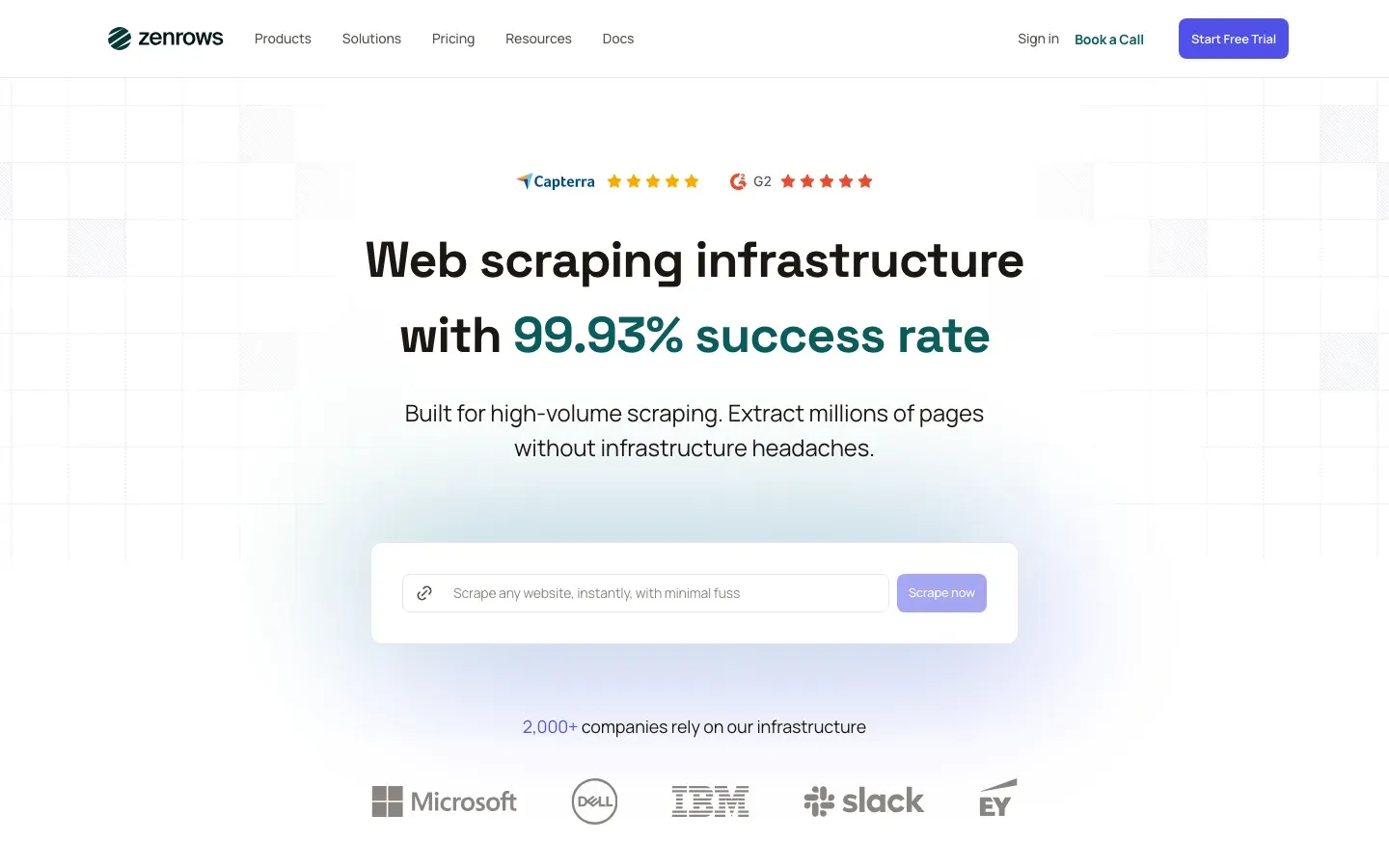
A developer-first API focused on evasion.
- Killer feature. Their anti-bot bypass is best-in-class and handles Cloudflare Turnstile and Akamai better than most competitors.
- Output. Returns standard HTML or JSON.
- Pros:
- High success rate on protected sites.
- Simple API (works with
requestsoraxios). - Generous free tier for testing.
- Cons:
- Can be pricey at high volume.
- Fewer pre-built datasets than competitors.
2. Bright Data
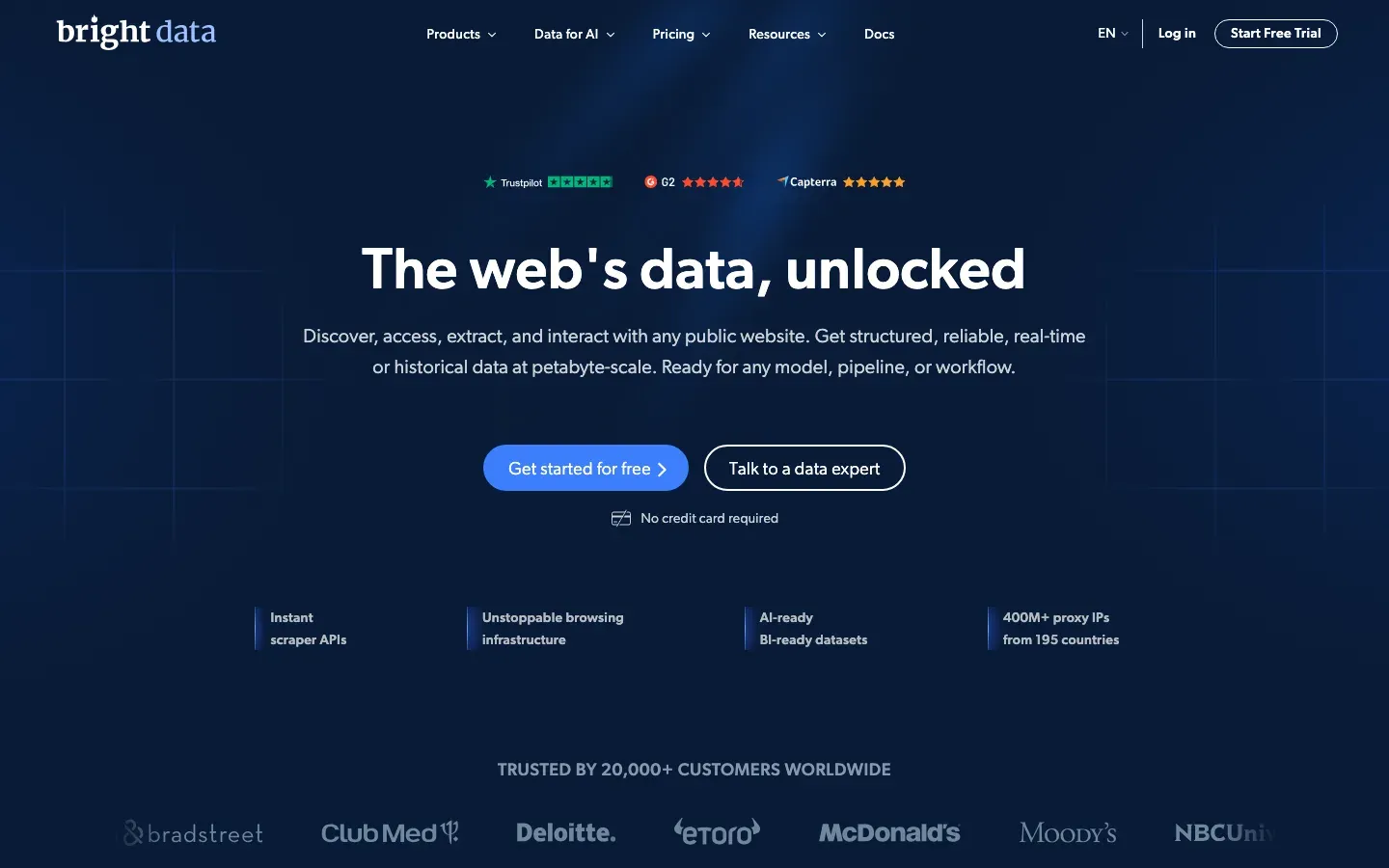
The enterprise giant. They own the infrastructure.
- Killer feature. The “Scraping Browser” is a headful browser hosted on their servers that you control via the Puppeteer API. You get library-level control with the reach of their proxy network.
- Best for. Enterprise-scale data collection where compliance and uptime are non-negotiable.
- Pros:
- Largest residential proxy network in the world.
- Compliant, ethically sourced traffic.
- Solid support and SLAs.
- Cons:
- Enterprise pricing.
- Dashboard can be overwhelming.
3. Firecrawl
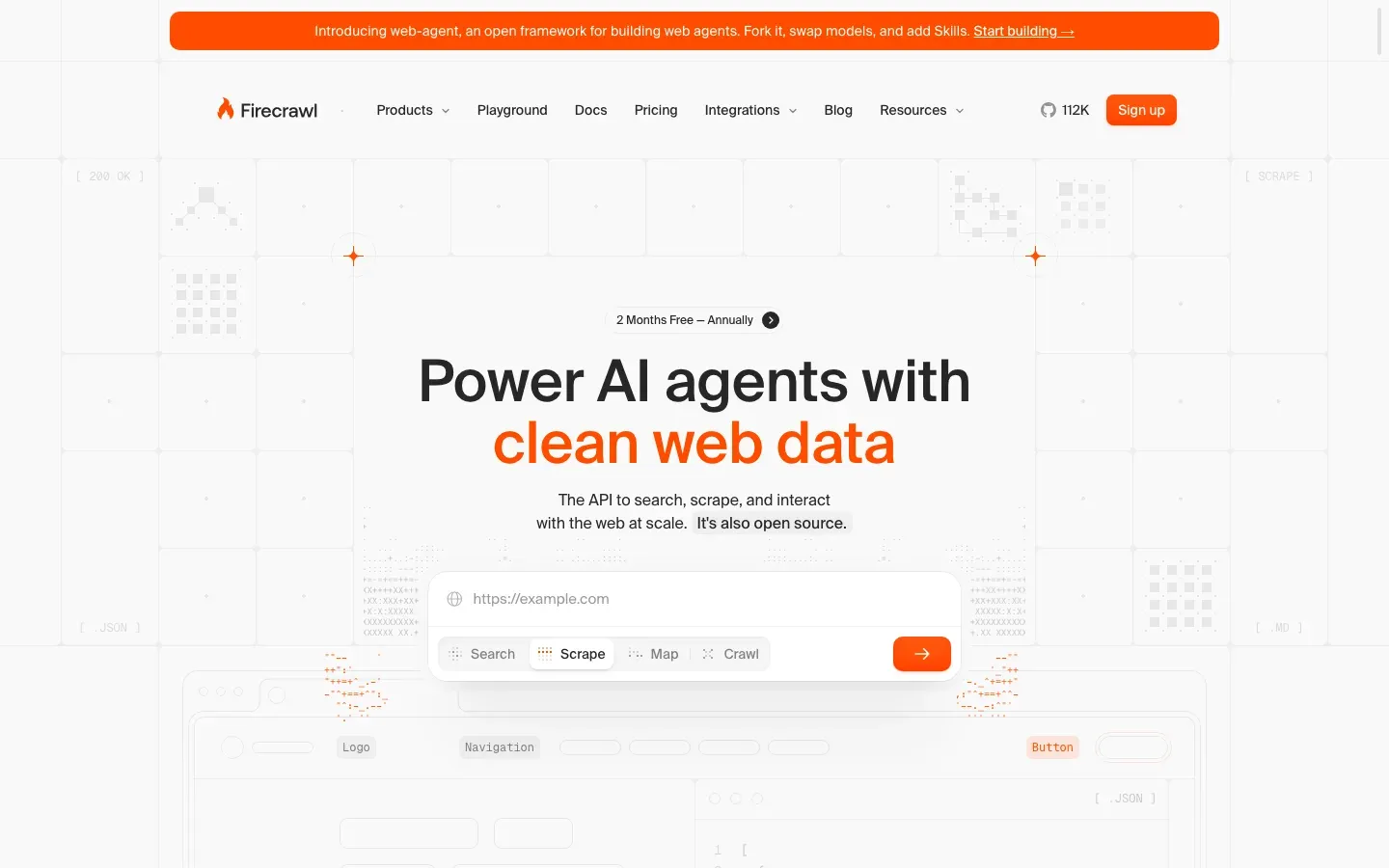
The AI-native choice.
- Killer feature. It turns any website into Markdown.
- Why it matters. Most scrapers give you messy HTML. Firecrawl gives you clean text formatted for an LLM context window, and handles crawling subpages automatically.
- Best for. Building RAG applications and AI agents.
- Pros:
- Output is optimized for vector databases.
- Handles crawl depth and subdomains automatically.
- Open source version available.
- Cons:
- Less granular control over selectors.
- Still relatively new.
Best no-code tools
You don’t need to know Python to scrape the web.
1. Browse AI
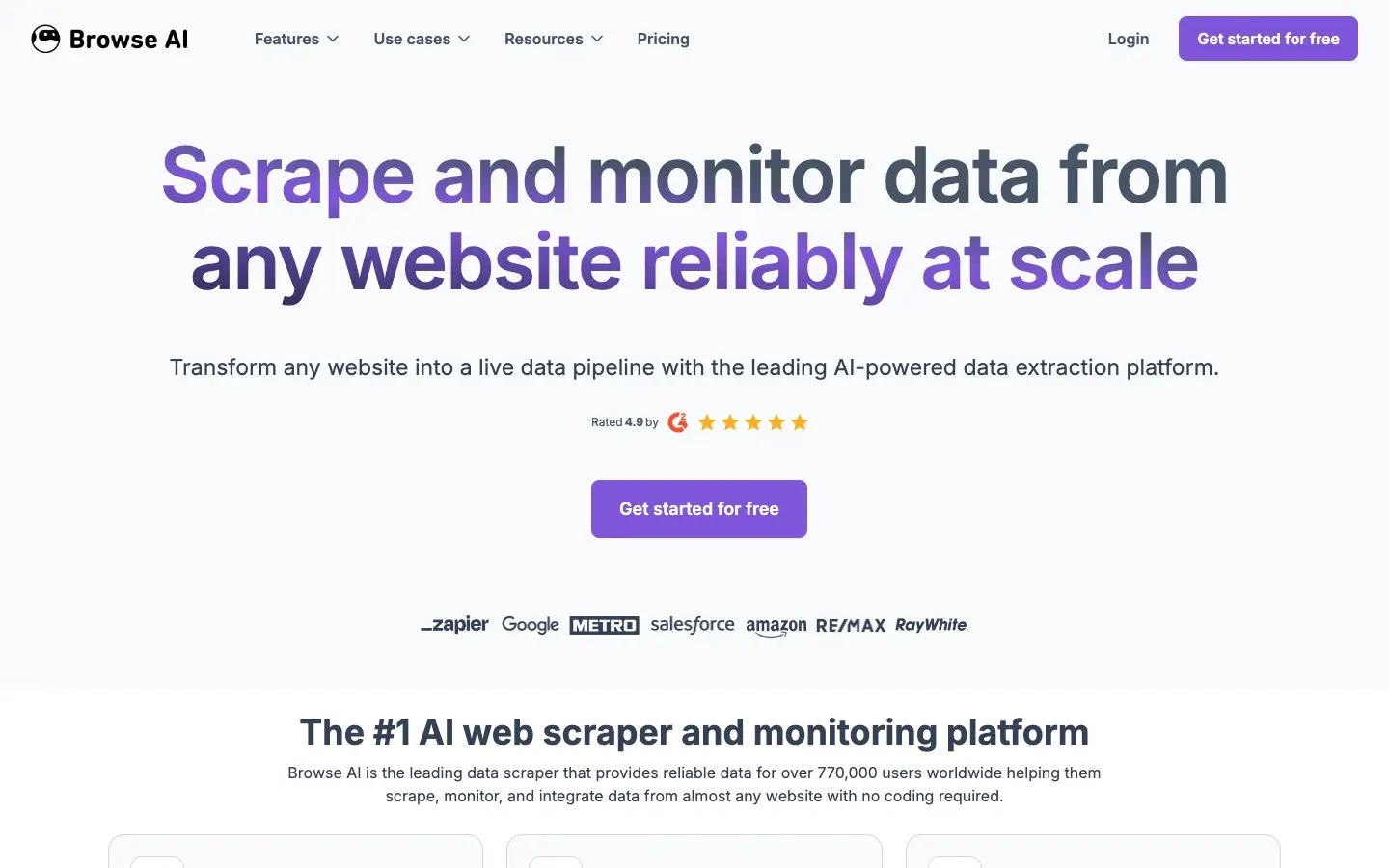
The Loom of web scraping. You record your actions (click here, extract this), and it turns the recording into a recurring robot.
- Best for. Monitoring price changes or extracting leads from directories without writing code.
- Integration. Connects directly to Google Sheets and Zapier.
- Pros:
- Zero coding required.
- Adapts to layout changes automatically.
- Good UI for scheduling tasks.
- Cons:
- Limited for complex logic or massive sites.
- Per-record pricing can add up.
2. Hexomatic
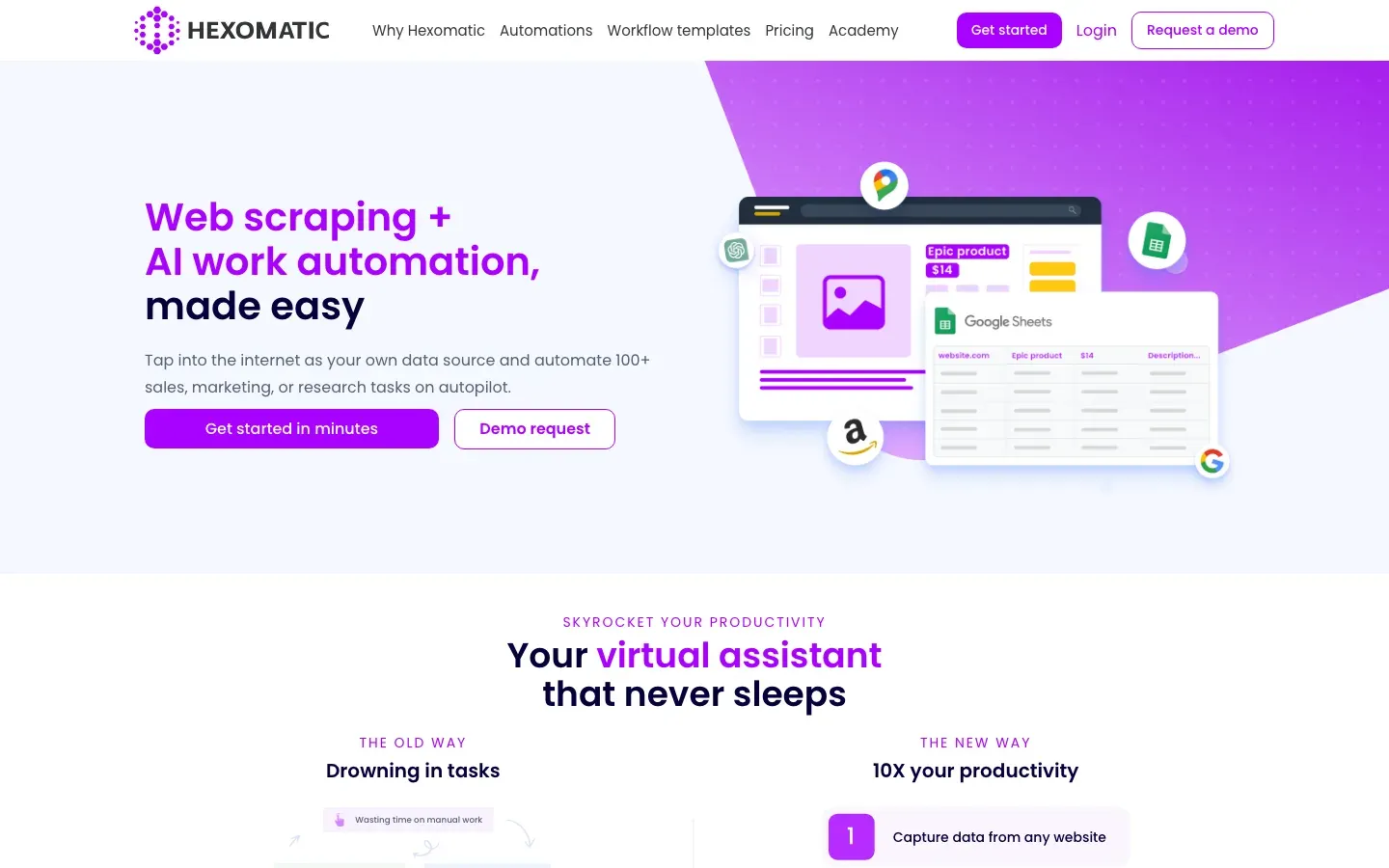
A workflow automation platform that includes scraping.
- Best for. Chaining tasks. For example: “Scrape this profile” → “Find their email” → “Translate the bio” → “Save to spreadsheet.”
- Pros:
- 100+ built-in automations beyond scraping.
- Visual workflow builder.
- Cloud-based execution.
- Cons:
- Slower than dedicated scraping APIs.
- Learning curve on complex workflows.
AI scrapers vs traditional tools
The definition of “scraping” is blurring. Are you extracting DOM elements, or are you asking an AI to read the page?
| Feature | Traditional Scraper (Scrapy/BS4) | AI Scraper (Firecrawl/LLM) |
|---|---|---|
| Selector Strategy | CSS/XPath Selectors (div.price) | Semantic Prompts (“Find the price”) |
| Maintenance | High (Breaks on layout changes) | Low (Adapts to visual changes) |
| Output | Structured JSON | Markdown / Text / JSON |
| Cost | Low (Compute only) | High (Token costs) |
| Accuracy | 100% (Exact match) | ~95% (Potential hallucinations) |
When to use which:
- Use traditional tools for high-volume, structured data like stock prices or sports scores. If you’re scraping 10 million Amazon products, you want the efficiency of CSS selectors.
- Use AI tools for messy, unstructured data like news articles, forum threads, or collecting reviews. If you need to summarize the sentiment of a page, an AI scraper is the only real option.
Legal and ethical considerations
Scraping is generally legal in the US (see the Ninth Circuit ruling on HiQ vs. LinkedIn), but there are boundaries worth knowing.
1. Respect robots.txt. This file at domain.com/robots.txt tells you what the site owner allows. It isn’t legally binding everywhere, but ignoring it can get your IP banned instantly.
2. Personally identifiable information (PII). If you’re scraping EU data, GDPR applies. Scraping names, emails, and phone numbers without consent is a legal minefield. Anonymize where possible.
3. Copyright vs. data. Facts like prices, sports scores, and dates cannot be copyrighted. Creative expression like blog posts, images, and reviews can be. Scraping data for analysis is usually fair use; republishing that content is theft.
4. Rate limiting. Don’t DDoS the site. Use polite delays between requests. If you crash their server, you’re liable.
How to choose the right tool
Still unsure? Use this decision matrix:
- “I’m a developer with zero budget.”
- Playwright if the target is dynamic, Beautiful Soup if it’s static.
- “I need to scrape 100,000 pages by tomorrow and I have a budget.”
- ZenRows or Bright Data. The time saved on proxies pays for itself.
- “I’m building an AI app and need context for my LLM.”
- Firecrawl. It handles the formatting.
- “I don’t code but I need data.”
- Browse AI is the most user-friendly.
Monitoring the digital ecosystem
If you’re reading this, you’re probably focused on taking data from the web: building scrapers to watch competitors, track prices, or feed AI models.
The web is watching back. The same way you use Firecrawl to read websites for your LLM, search engines like ChatGPT, Perplexity, and Gemini are scraping your brand. They’re ingesting your pricing, your reviews, and your documentation to train their models.
If you’re building a business in 2026, you can’t only be the hunter. You also have to manage how you’re hunted.
That’s where cloro fits in.
You use scraping tools to gather intelligence; you use cloro to monitor outbound visibility. It tracks how often AI search engines cite your brand, what data they’re extracting from you, and whether they position you correctly against the competitors you’re scraping.
The full data loop:
- Inbound. Use Playwright or Firecrawl to gather market data.
- Storage. Warehouse that data for internal decisions.
- Outbound. Use cloro to make sure the market’s AI models have the right data about you.
Data flows both ways. Win on both fronts.
Frequently asked questions
What is the best web scraping tool for beginners?+
For non-coders, Browse AI or Hexomatic are great. For developers starting out, Beautiful Soup (Python) is the easiest library to learn.
Can I scrape dynamic websites?+
Yes, but you need tools that can render JavaScript, such as Playwright, Selenium, or specialized APIs like cloro.
Is web scraping expensive?+
It depends on the scale. DIY scraping is cheap but time-consuming. Enterprise tools can cost thousands per month but offer reliability and compliance.
What is the difference between AI scrapers and traditional tools?+
AI scrapers use LLMs to semantically understand content and are resilient to layout changes, while traditional tools rely on rigid CSS/XPath selectors and are prone to breaking.
What are the legal and ethical considerations for web scraping?+
Always respect `robots.txt`, avoid scraping Personal Identifiable Information (PII) without consent, and adhere to rate limits to avoid overloading servers. The legality often depends on jurisdiction and intent.
Related reading

Best ChatGPT scraper tools for 2026: extract the unextractable
The official API doesn't show you what users see. Here are the best tools to scrape the ChatGPT web interface, parse citations, and track brand mentions.
Best Google Scrapers 2026: 5 Tools Tested vs AI Overviews
We tested 5 Google scrapers against AI Overviews, CAPTCHAs, and the new SERP layout — see which still works reliably in 2026 and which has fallen behind.
Best AI SEO Tools 2026: 6 Tested for Brand Visibility
We compared 6 best AI SEO tools on real brand-tracking workflows across ChatGPT, Perplexity, Gemini, and Google AI Overview. Here's what actually works in 2026.