
How to scrape Google Gemini: parse internal API confidence scores
Google Gemini generates hundreds of millions of responses daily. The web interface delivers rich structured data with confidence scoring that direct APIs miss: detailed sources, proper markdown formatting, and real-time web integration.
Gemini wasn’t built for programmatic access. The platform uses anti-bot systems, internal API endpoints with nested JSON, and session validation that most scraping tools can’t handle.
After analyzing millions of Gemini responses, we’ve reverse-engineered the process. This guide shows how to scrape Gemini and extract the structured data with confidence scoring that makes it useful for research and product work.
Why scrape Google Gemini responses?
Gemini’s API responses look nothing like what users see in the UI.
What you miss with the API:
- The actual interface experience users get
- Source citations with confidence levels
- Markdown formatting and structure
- Real-time web integration and context
Without scraping, you can’t verify what Gemini tells users or assess source reliability. Scraping also runs up to 12x cheaper than direct API usage and returns the same output users see.
Use cases:
- Verification. Check what Gemini tells users, with source confidence.
- SEO. Track how Gemini sources and cites information.
- Market research. Pull full responses with formatted markdown.
- Content analysis. Study how Gemini structures information and ranks reliability.
You might also be interested in how to scrape Google AI Mode for a different perspective on Google’s AI search.
Understanding Gemini’s architecture
A quick look at what makes Gemini scraping awkward.
Response generation:
- Query processing. Your prompt is analyzed and sent to the Bard backend.
- Internal API calls. Gemini makes HTTP POST requests to Bard frontend endpoints.
- JSON array responses. Responses come as nested JSON data.
- Dynamic rendering. Content renders client-side with source citations.
- Confidence scoring. Sources are assigned confidence levels based on reliability.
Key technical challenges.
Internal API format:
// Gemini uses complex nested JSON arrays
const response = {
  0: [
    2,
    "response_data",
    {
      4: [0, "text_content", [{ 1: "confidence_levels" }]],
    },
  ],
};
// Content isn't available in standard API format
Response structure:
[0, [2, "nested_response_data", {"4": [0, "content", [sources]]}]]Anti-bot detection:
- Canvas fingerprinting
- Request pattern monitoring
- CAPTCHA challenges
- Cookie-based session validation
Dynamic source loading:
- Confidence-level based source ordering
- Real-time web integration
- Nested JSON parsing requirements
The internal API parsing challenge
Most of the work in Gemini scraping is parsing nested JSON arrays from internal Bard endpoints. What makes it tricky:
Event stream structure:
# Raw Gemini internal API response example
[0, [2, "response_data", {
  "4": [0, "Hello", [
    {"1": 85, "2": ["https://example.com", "Source Title", "Description"]}
  ]]
}]]
Parsing challenges:
- Nested arrays. Response data sits deep inside JSON arrays.
- Mixed indexing. Content and sources use different array positions.
- Confidence extraction. Pulling source confidence levels requires specific path navigation.
- Error handling. Network issues can corrupt the nested structure.
Python parsing implementation:
import json
from typing import List, Dict, Any, Optional

def get_final_response(event_stream_body: str) -> Optional[Any]:
    """Extract the final complete response from an event stream."""
    lines: List[str] = event_stream_body.strip().split("\n")

    largest_response: Optional[Any] = None
    largest_size: int = 0

    for line in lines:
        try:
            data: Any = json.loads(line)
            line_size: int = len(line)
            if line_size > largest_size:
                largest_size = line_size
                largest_response = data

        except (json.JSONDecodeError, IndexError, TypeError):
            continue

    if not largest_response:
        return None

    return json.loads(largest_response[0][2])

def extract_response_text(response_object: Any) -> str:
    """Extract the main text content from nested response."""
    return response_object[4][0][1][0]

def extract_sources(response_object: Any) -> List[Dict[str, Any]]:
    """Extract sources with confidence levels from response."""
    sources: List[Dict[str, Any]] = []

    try:
        citations_objects = response_object[4][0][2][1]

        for idx, citation_object in enumerate(citations_objects, start=1):
            confidence_level = citation_object[1][2]
            url = citation_object[2][0][0]
            label = citation_object[2][0][1]
            description = citation_object[2][0][3]
            sources.append({
                "position": idx,
                "label": label,
                "url": url,
                "description": description,
                "confidence_level": confidence_level,
            })

    except (json.JSONDecodeError, IndexError, TypeError, KeyError, AttributeError):
        pass

    return sources
Building the scraping infrastructure
Here’s the full scraping system, step by step.
Required components:
- Browser automation. Playwright, since the interface is JavaScript-heavy.
- Network interception. To capture internal Bard API calls.
- JSON parser. To process the nested response arrays.
- Content extractor. To parse HTML and pull structured data.
Complete scraper implementation:
import asyncio
from playwright.async_api import async_playwright, Page
import json
from typing import Dict, Any, List, Optional

class GeminiScraper:
    def __init__(self):
        self.captured_responses = []

    async def setup_page_interceptor(self, page: Page):
        """Set up network request interception for Bard endpoints."""

        async def handle_response(response):
            # Capture Bard frontend API responses
            if 'BardChatUi/data/assistant.lamda.BardFrontendService/StreamGenerate' in response.url:
                response_body = await response.text()
                self.captured_responses.append(response_body)

        page.on('response', handle_response)

    async def scrape_gemini(self, prompt: str) -> Dict[str, Any]:
        """Main scraping function."""

        async with async_playwright() as p:
            browser = await p.chromium.launch(headless=False)
            context = await browser.new_context()
            page = await context.new_page()

            # Set up response interception
            await self.setup_page_interceptor(page)

            try:
                # Navigate to Gemini
                await page.goto('https://gemini.google.com/app')

                # Wait for textarea and enter prompt
                await page.wait_for_selector('[role="textbox"]')
                await page.fill('[role="textbox"]', prompt)
                await page.press('[role="textbox"]', 'Enter')

                # Wait for response completion
                await self.wait_for_response(page)

                # Parse the captured response
                if self.captured_responses:
                    raw_response = self.captured_responses[0]
                    return self.parse_gemini_response(raw_response)
                else:
                    raise Exception("No response captured")

            finally:
                await browser.close()

    async def wait_for_response(self, page: Page, timeout: int = 60):
        """Wait for Gemini response completion."""

        for i in range(timeout * 2):  # Check every 500ms
            # Check if we have captured responses
            if self.captured_responses:
                return

            # Check for content in DOM
            content_div = page.locator('message-content').first
            if await content_div.count() > 0:
                content_text = await content_div.text_content()
                if content_text and len(content_text.strip()) > 50:
                    await asyncio.sleep(2)  # Allow for final updates
                    continue

            await asyncio.sleep(0.5)

        raise Exception("Response timeout")

    def parse_gemini_response(self, raw_response: str) -> Dict[str, Any]:
        """Parse the raw Gemini response into structured data."""

        # Extract final response from event stream
        final_response = get_final_response(raw_response)

        # Extract text and sources
        text = extract_response_text(final_response)
        sources = extract_sources(final_response)

        return {
            'text': text,
            'sources': sources,
        }
Parsing the streaming response data
A closer look at the extraction process.
Extracting markdown with inline sources:
async def extract_markdown_with_sources(page: Page, sources: List[Dict]) -> str:
    """Extract markdown content with inline source citations."""

    try:
        # Wait for source chips to be visible
        chip_locator = "source-inline-chip .button"
        if await page.locator(chip_locator).count() > 0:
            await page.locator(chip_locator).first.wait_for(state="visible")

        # Get the main content HTML
        content_html = await page.locator("message-content").first.inner_html()

        # Convert HTML to markdown with source links
        markdown = convert_html_to_markdown_with_links(
            content_html,
            [[source] for source in sources],
            chip_locator
        )

        return markdown

    except Exception as e:
        print(f"Markdown extraction failed: {e}")
        return ""

async def extract_html_content(page: Page, request_id: str) -> str:
    """Extract full HTML content for upload."""

    try:
        full_html = await page.content()

        # Upload to storage service
        uploaded_url = await upload_html(request_id, full_html)
        return uploaded_url

    except Exception as e:
        print(f"HTML extraction failed: {e}")
        return ""
Complete response parsing with all data types:
from typing import TypedDict, List, NotRequired, Optional

class GeminiLinkData(TypedDict):
    position: int
    label: str
    url: str
    description: str
    confidence_level: int

class GeminiResult(TypedDict):
    text: str
    sources: List[GeminiLinkData]
    markdown: NotRequired[str]
    html: NotRequired[Optional[str]]

async def parse_complete_gemini_response(
    page: Page,
    request_data: Dict[str, Any],
    event_stream_body: str
) -> GeminiResult:
    """Parse Gemini response with all optional data types."""

    include_markdown = request_data.get("include", {}).get("markdown", False)
    include_html = request_data.get("include", {}).get("html", False)

    # Extract core data
    final_response = get_final_response(event_stream_body)
    text = extract_response_text(final_response)
    sources = extract_sources(final_response)

    result: GeminiResult = {
        "text": text,
        "sources": sources,
    }

    # Add optional data
    if include_markdown:
        result["markdown"] = await extract_markdown_with_sources(page, sources)

    if include_html:
        result["html"] = await extract_html_content(page, request_data["requestId"])

    return result
Using cloro’s managed Gemini scraper
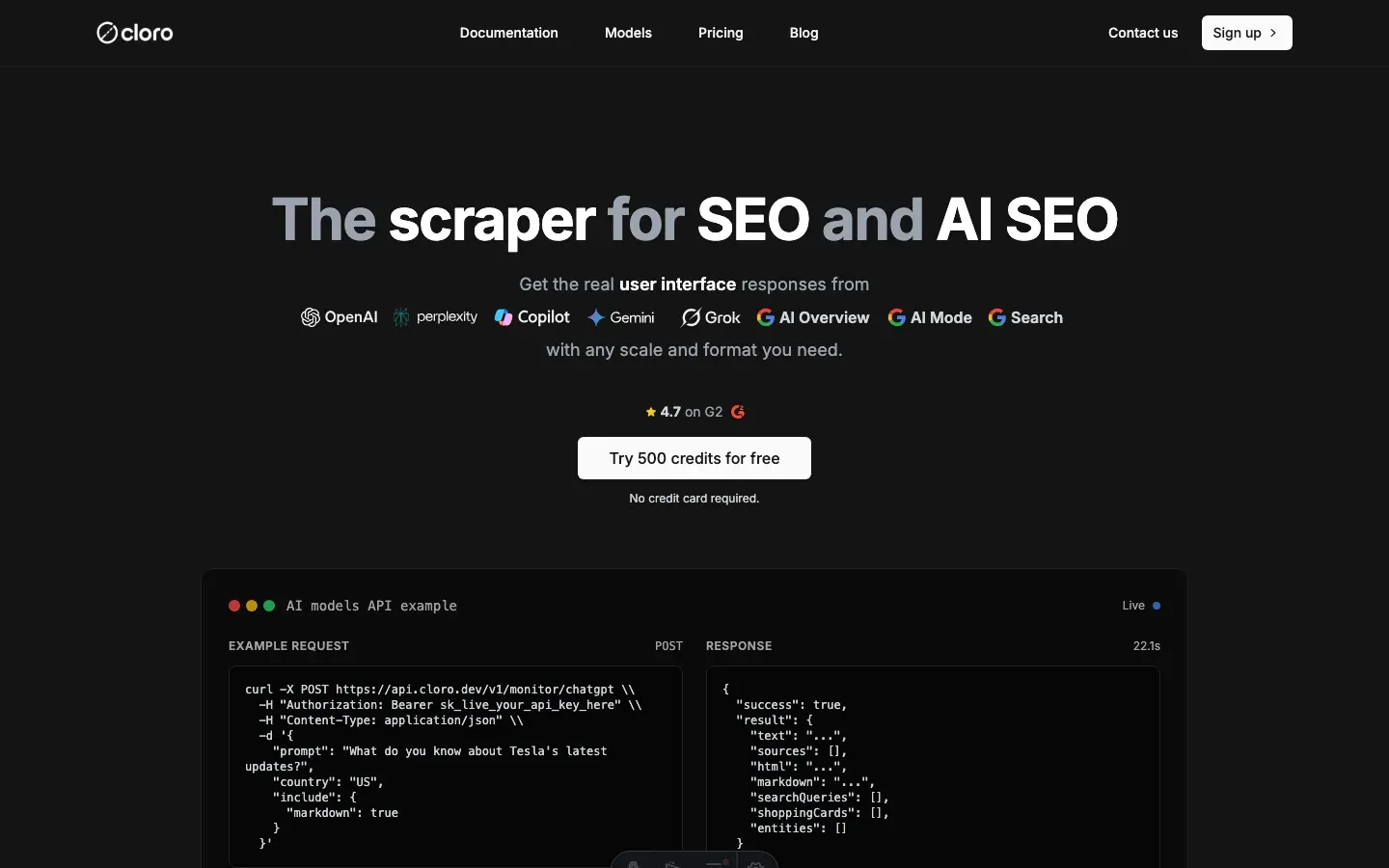
Building and maintaining a reliable Gemini scraper is expensive in time and infrastructure. That’s why we built cloro, a managed API that handles it for you.
API integration:
import requests
import json

# Your prompt
prompt = "What are the latest developments in renewable energy in 2026?"

# API request to cloro
response = requests.post(
    'https://api.cloro.dev/v1/monitor/gemini',
    headers={'Authorization': 'Bearer YOUR_API_KEY'},
    json={
        'prompt': prompt,
        'country': 'US',
        'include': {
            'markdown': True,
            'html': True,
            'sources': True
        }
    }
)

result = response.json()
print(json.dumps(result, indent=2))
What cloro handles for you:
- Browser management. Rotating browsers, user agents, and fingerprints.
- Anti-bot evasion. CAPTCHA solving and detection avoidance.
- Rate limiting. Request scheduling and backoff strategies.
- Data parsing. Structured data extracted from responses.
- Error handling. Retry logic and recovery.
- Scalability. Distributed infrastructure for high-volume requests.
Structured output:
{
  "status": "success",
  "result": {
    "text": "The renewable energy sector has seen remarkable developments in 2026...",
    "sources": [
      {
        "position": 1,
        "url": "https://energy.gov/solar-innovations",
        "label": "DOE Solar Innovations Report",
        "description": "Latest breakthroughs in solar panel efficiency and storage technology",
        "confidence_level": 92
      }
    ],
    "markdown": "**The renewable energy sector** has seen remarkable developments in 2026...",
    "html": "https://storage.cloud.html/uploaded-gemini-response.html"
  }
}
Why teams use cloro:
- 99.9% uptime, vs. DIY solutions that break often.
- P50 latency under 45s, vs. manual scraping that takes hours.
- No infrastructure costs. We handle browsers, proxies, and maintenance.
- Structured data, with sources, confidence levels, and markdown parsed for you.
- Rate limiting and ethical scraping practices.
- Distributed infrastructure for high-volume requests.
Conclusion
Gemini data is worth pulling. Researchers studying AI behavior, businesses tracking their competitive landscape, and developers building AI-powered tools all benefit from structured Gemini responses with confidence scoring.
For most teams, cloro’s Gemini scraper is the shortest path. You get:
- Reliable scraping infrastructure on day one
- Data parsing with confidence scoring
- Anti-bot evasion and rate limiting built in
- Retry logic and error recovery
- Structured JSON output with all metadata
Building this yourself typically costs $5,000-10,000/month in development time, browser instances, proxy services, and maintenance.
If you need a custom solution, the approach above is a starting point. Expect ongoing maintenance: Gemini updates its anti-bot measures and response formats often.
As more teams discover the value of AI monitoring, competition for visibility in AI responses grows. Companies that start tracking their Gemini presence now will build a lead that’s hard to close later.
Ready to pull Gemini data? Get started with cloro’s API.
Frequently asked questions
What is unique about scraping Gemini?+
Gemini's responses are often delivered via internal Google APIs with complex, nested JSON arrays that are difficult to parse compared to standard JSON.
Does Gemini provide confidence scores?+
Yes, internally Gemini assigns confidence scores to its sources. Advanced scrapers can extract these hidden metrics from the response data.
How do I handle Google login for scraping?+
You generally shouldn't. Automating logins is risky and leads to bans. It's better to use methods that don't require personal authentication or use ephemeral sessions.
What is the internal API parsing challenge in Gemini?+
Gemini's responses come as deeply nested JSON arrays with mixed indexing for content and sources, requiring specific path navigation and robust error handling to extract data reliably.
What infrastructure is needed to scrape Gemini?+
You need browser automation (Playwright), network interception to capture internal Bard API calls, and a custom JSON parser capable of handling complex nested arrays.
Related reading
How to scrape Google Search results effortlessly
Complete technical guide to scraping Google Search results, parsing organic results, sponsored ads, AI Overview, and extracting structured data for SEO monitoring and competitive analysis.

Google search parameters: the complete guide
Stop searching like a novice. Master the hidden URL parameters like uule, gl, and udm to control location, language, and AI features.

How to scrape ChatGPT: parse SSE streams + bypass Cloudflare
Scrape ChatGPT in 2026: parse the Server-Sent Events stream, expand lazy-loaded citations, and bypass Cloudflare with residential proxies.